Reorder rounded part edges


-
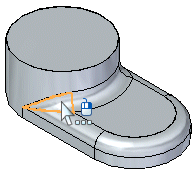
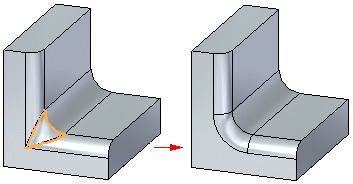
Right-click a blend patch between two or more interacting blends and choose Reorder Rounds.
-
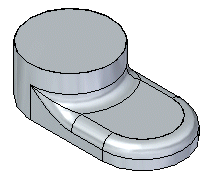
Click to finish the reorder.
Tip:
-
You can select multiple blend patches to reorder the rounds simultaneously.
-
The radius for the rounds being reordered does not have to be the same.
© 2021 UDS