Relief Patch command


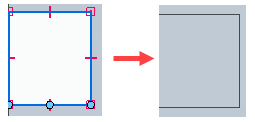
Use the Relief Patch command  to remove undesired reliefs in the flat pattern that are not needed in manufacturing.
Note:
The command is disabled if no flat pattern exists.
To select the relief to patch, do one of the following:
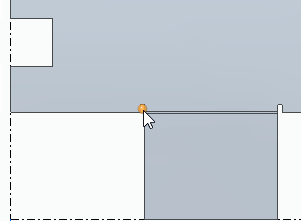
Click a bend edge within an individual relief area
Press the A key to select all eligible relief areas.
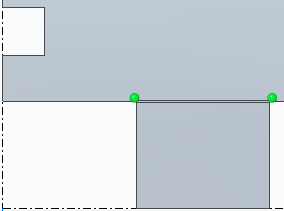
Draw a profile in the relief area that you want to patch.
© 2021 UDS