Create a blank body


-
Select Tools tab→Model→Flatten.
-
Select Tools tab→Flat group→Blank Body
 .
. -
In the QY CAD Material Table dialog box, select the Material name you want from the list, and then click Apply To Model.
Note:If a material is already applied to the model, the QY CAD Material Table dialog box is not displayed.
-
Click to select a tangent face chain.
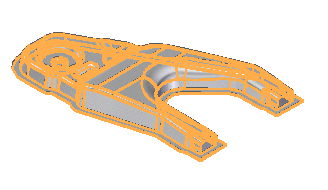 Note:
Note:You can press the S key to select individual faces.
-
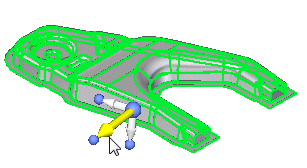
Click the handle to define the draw direction for the blank.
-
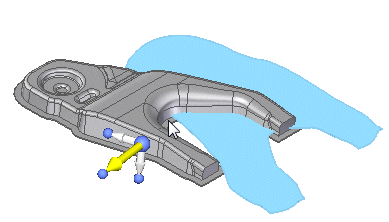
On the Blank Body command bar, click Preview to display a preview of the blank along with a dialog box containing information about the surface area of the selected faces and the surface area of the computed blank.
-
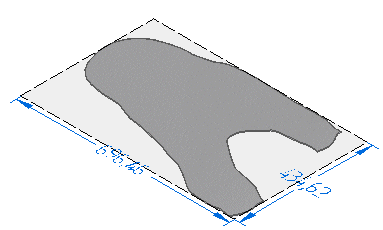
On the Blank Body command bar, click Finish to create the blank.
© 2021 UDS