Cut command


Use the Cut command  to create a cut through a defined portion of a part.
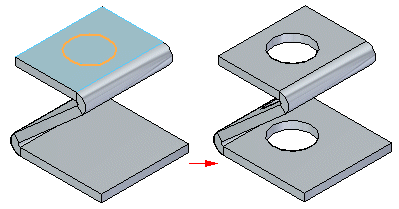
You can create a sheet metal cutout with an open profile
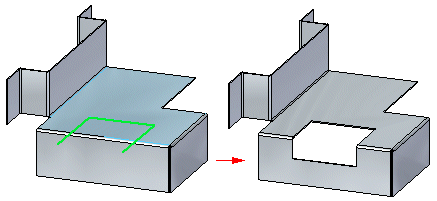
or a closed profile.
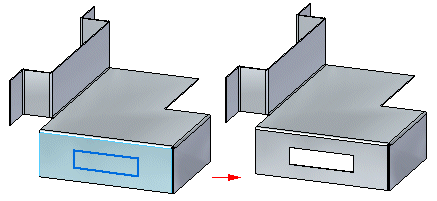
Face Normal cut types
Cuts normal to the face include:
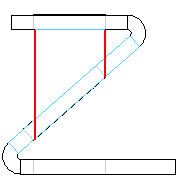
- Thickness cut
-
This option creates a cutout that compensates for the material thickness of the part.
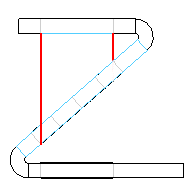
The Thickness cut option is useful when creating parts in which a shaft must pass through aligned circular cutouts.
- Mid–plane cut
-
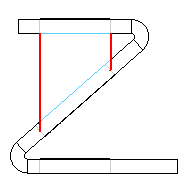
This option creates a cutout based on the mid-plane of the part.
- Nearest Face cut
-
This option creates a cutout based on the nearest face of the part.
Cuts across bends
The Wrapped Cut option unfolds the bend to create a cut,
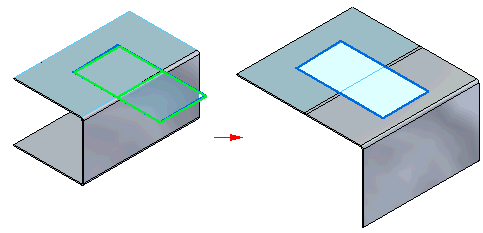
and then rebends when the cut is complete.
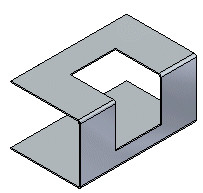
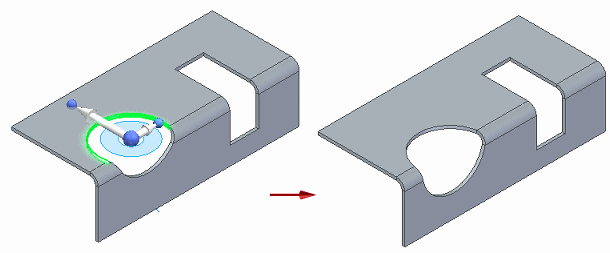
As you move a face containing a wrapped cut, the cutouts remain consistent.
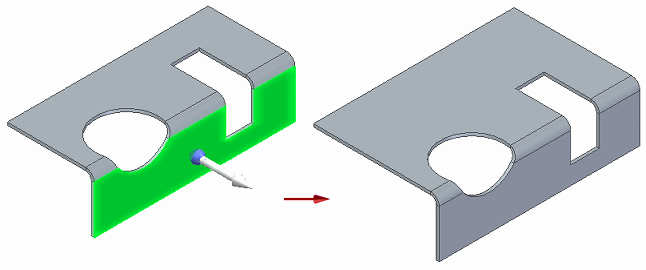
You can move a cylindrical cutout across bends and the cutout maintains its shape.
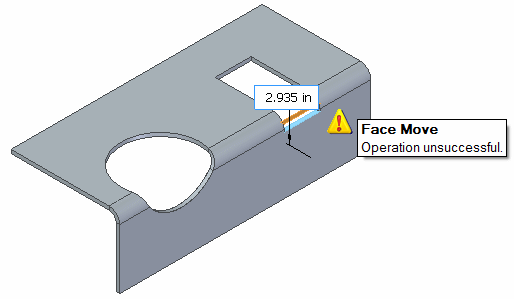
If you try to end the move of the cutout within a bend area a warning is displayed..
© 2021 UDS